
What You Need:
Steps:
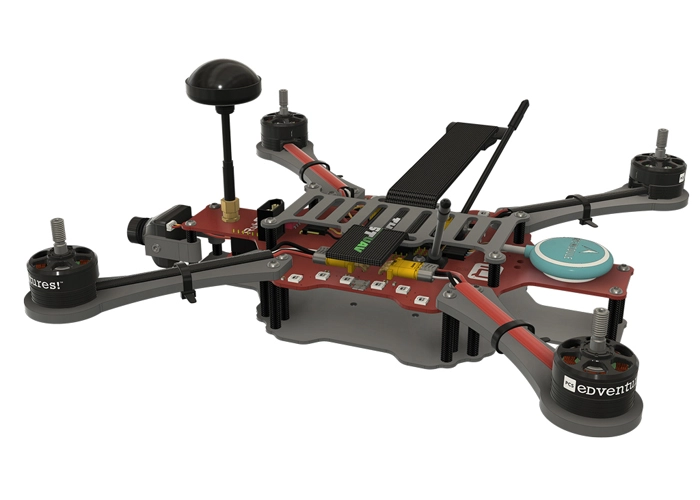
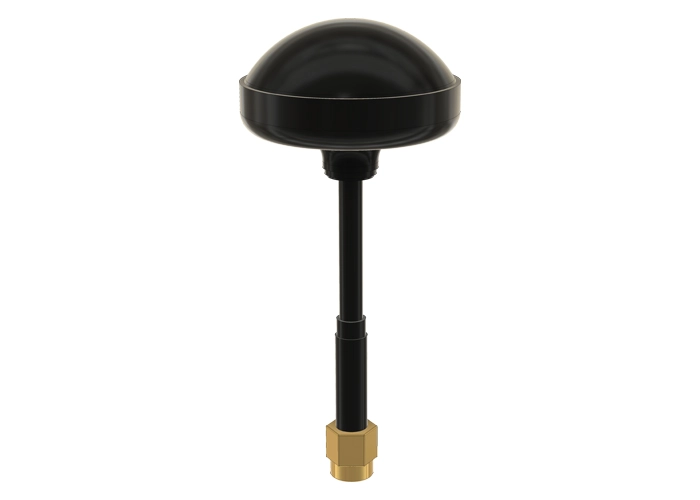
WARNING! Remove props and attach the antenna before setting the failsafe.
- Start with RubiQ disconnected from the battery and the computer. Remove the battery plate to gain access to the bind button on the receiver.
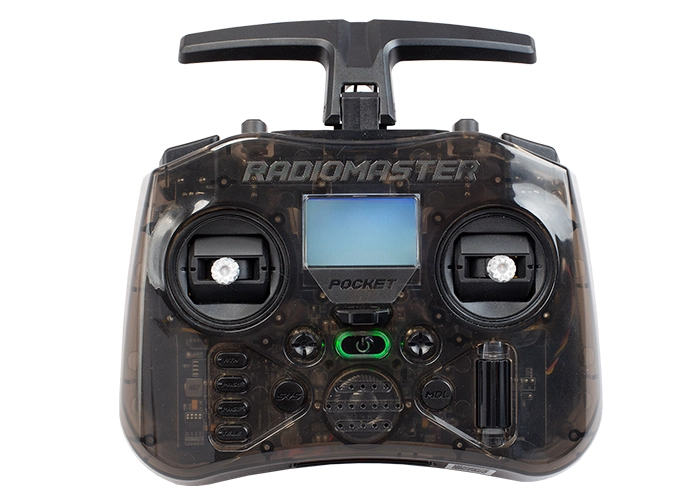
- Turn on your Radiomaster Pocket with the On/Off button located in the middle of the controller.
- Press the MDL (Model) button on the left side to open the MODEL SELECTION screen. Make sure RubiQ T is selected as the current model.
- Hit the PAGE button to open the SETUP screen. With the roller, scroll upward to the Failsafe field located beneath External RF. Push the roller to allow changes to this field, then scroll to Receiver. Receiver should now be flashing.
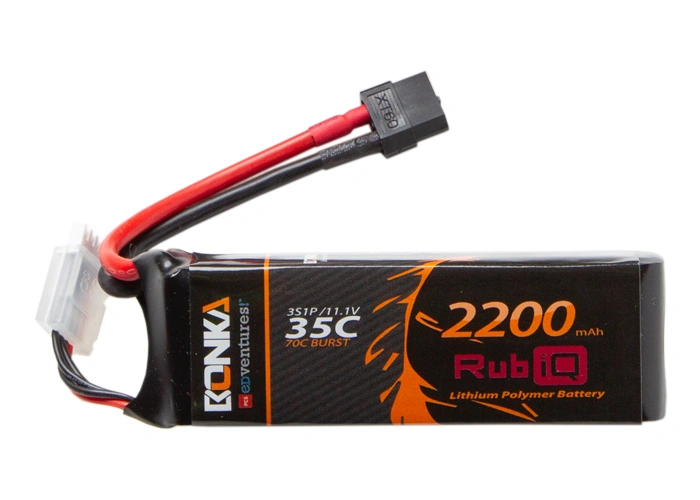
- Next, plug the battery into RubiQ. Once the drone cycles up, you will hear three beeps.
- Look at the LED on the receiver. It should be solid green, indicating that it is bound to the controller.
- Put the controller sticks in the failsafe position, with the left throttle stick down and all switches up/away in their off positions.
- Now, tap the bind button on the receiver. The green LED will blink twice, which indicates that the failsafe has reset to the current stick positions on the radio controller.
- Push the roller again to complete the process. Receiver should stop flashing.
- Disconnect the battery to allow the drone to power cycle.